
How to Register for EPF and SOCSO in Malaysia: A Step-by-Step Guide for Foreign Employers


How to Register for EPF and SOCSO in Malaysia: A Step-by-Step Guide for Foreign Employers

Key Takeaways
- EPF and SOCSO registration are mandatory for every employer with at least one employee in Malaysia; penalties apply for late or missed registration.
- Foreign companies without a local entity cannot directly register with EPF or SOCSO — an Employer of Record (EOR) becomes the legal employer and handles the process.
- EPF employer registration is done through the KWSP i-Akaun portal; SOCSO registration follows through the PERKESO ASSIST portal, usually linked to your EPF employer number.
- You'll need your SSM business registration documents, board resolution, and director’s identification (MyKad or passport) to start.
- The entire process, from document preparation to receiving active employer codes, can take two to four weeks if you’re setting up your own entity.
- Using a Malaysia-focused EOR like MalayHire can complete registration and start payroll in as little as 48 hours, with zero paperwork on your side.
- Skipping registration until after your first hire is a common and costly mistake — you must register as an employer before you can contribute to these statutory funds.
- Once registered, maintaining compliance means submitting monthly contributions on time and keeping employee information current across both portals.

You Can’t Just Hire and Hope: Why EPF and SOCSO Registration Comes First
If you’re planning to hire employees in Malaysia, learning how to register for EPF and SOCSO in Malaysia isn’t just another administrative checkbox. It’s the legal foundation that separates a genuine employer from a risk-laden operation. The Employees Provident Fund (EPF) and the Social Security Organization (SOCSO) are the two pillars of Malaysia’s statutory social protection framework, and both require every employer — local or foreign — to register before they can legally make contributions for their employees.
Many international companies entering Southeast Asia for the first time treat registration as an afterthought. They assume they can sort it out after the first payroll run, or that their global payroll provider will handle it magically. That assumption is dangerous. Malaysian authorities take employer registration seriously. Operating without active EPF and SOCSO accounts can lead to fines, backdated contribution demands, and even legal action for non-compliance.
This guide walks through exactly what you need to know, from the documents you’ll need to the exact steps inside the KWSP i-Akaun and PERKESO ASSIST portals. If you’re using an Employer of Record, you won’t have to touch these portals yourself — but understanding the process still helps you evaluate whether your EOR is doing things right. For companies setting up a local entity, I’ll break down each stage so you can move from zero to compliant as quickly as possible.
The Two-Track Reality: Own Entity Registration vs. EOR-Backed Hiring
Before diving into the step-by-step, let’s get one thing straight: the registration path you follow depends entirely on whether you have a locally registered business entity in Malaysia. If you don’t, you cannot directly apply for an EPF or SOCSO employer account. Only entities incorporated under the Companies Act 2016 (or registered sole proprietorships and partnerships) can get employer codes.
For foreign companies without a local presence, this is where an Employer of Record (EOR) becomes essential. An EOR serves as the legal employer on paper, meaning it already holds the necessary EPF and SOCSO registrations and will make all statutory contributions on your behalf. As Remote’s country guidance for India puts it, companies without a local entity must “work with a global employment platform” that can legally provide employment services. The same principle applies in Malaysia. When you engage an EOR like MalayHire, the registration step disappears from your to-do list — the EOR’s existing employer codes are used from day one.
If you do have a local entity, or you’re in the process of incorporating one, you’ll go through the full registration process yourself. The next sections cover what that looks like. Either way, recognize that EPF and SOCSO registration is not optional. It’s mandated under the EPF Act 1991 and the Employees’ Social Security Act 1969. No matter how good your intentions are, hiring without these registrations in place puts your Malaysian operations in immediate legal jeopardy.
Prerequisites: The Documents and Details You’ll Need Before Starting
Walking into the online portals without the right documents is the quickest way to stall your registration. Spend an hour gathering everything upfront, and the actual submission will feel surprisingly smooth. The Malaysian authorities are sticklers for accurate details, so double-check names, registration numbers, and signatures.
- A valid SSM (Suruhanjaya Syarikat Malaysia) business registration certificate — your company profile must be active and show the correct business address.
- Board of directors’ resolution authorizing a specific person (usually a director or company secretary) to represent the company for EPF and SOCSO matters.
- That representative’s identification: MyKad for Malaysian citizens, passport for foreign directors. A clear scanned copy, front and back.
- Company stamp (common seal, if your company uses one) — some older registration stages still require stamped physical forms even if you start online.
- List of directors and shareholders, including their NRIC or passport numbers and residential addresses.
- Your company’s tax identification number (C number for companies, or E number for sole proprietorships/partnerships) — usually found on your SSM registration.
- Contact details: an active business email and a local Malaysian phone number that can receive verification codes.
- For SOCSO specifically, you’ll need your EPF employer number first, so plan the sequence: EPF first, then SOCSO.
How to Register as an Employer with EPF (KWSP): The Complete Walkthrough
The EPF, managed by Kumpulan Wang Simpanan Pekerja (KWSP), maintains the i-Akaun Employer portal for all online registrations. If your company is newly incorporated and you’ve never had an EPF employer account, you’ll be creating a fresh i-Akaun from scratch. The process is designed to be fully digital, but it still involves a few verification steps that can trip up first-timers.
Creating Your i-Akaun Employer Account
Visit the KWSP i-Akaun website and select the Employer registration option. You’ll need to enter your company registration number exactly as it appears on your SSM certificate. The system will cross-reference with SSM’s database to confirm your company is active. Once validated, you’ll create a user ID and password. A registration code is sent to the company’s registered email — that’s why using a real, accessible email address is crucial. Don’t use a personal Gmail that nobody checks; set up a dedicated compliance inbox if possible.
After email verification, you’ll log in for the first time. The i-Akaun system forces a password reset on initial login. Complete that, then proceed to the employer registration form. This form asks for your business address, industry code (MSIC code), and the details of the authorized representative you prepared earlier. Take your time here: an MSIC misclassification can cause headaches later when EPF audits your industry category against contribution rates.
Filling Out the Employer Registration Form (Borang KWSP 1)
The digital version of Borang KWSP 1 collects everything EPF needs to link your company to its contribution obligations. You’ll identify the number of employees you expect to hire initially — even if it’s just one, enter “1”. The system also asks for your payroll month cycle: most companies use the calendar month. Double-check that your registered business address matches your SSM records precisely; even a slight difference in spelling can cause the submission to be rejected.
If you have multiple branches or separate payroll locations, note that each distinct workplace may need its own sub-registration under the same master employer number. The form records your nominated contact person — typically a director or HR manager — who will receive official EPF correspondence. Once you’ve reviewed all fields, submit the form electronically. KWSP will process the application, which usually takes 3 to 5 working days.
Receiving Your EPF Employer Number and Activation
After KWSP processes your application, you’ll receive an email notification with your official EPF employer number. This number is the key that unlocks your contribution obligations. Log back into i-Akaun Employer to verify your account status is “Active”. You can now generate your employer code for use in payroll software or EOR systems. With the employer number in hand, you’re ready to move on to SOCSO registration, which requires this EPF number as a linking identifier.
How to Register as an Employer with SOCSO (PERKESO): Don’t Skip This Step
SOCSO, operated by Pertubuhan Keselamatan Sosial (PERKESO), follows a similar employer registration logic but uses a separate portal called ASSIST. The key difference is that SOCSO registration typically requires your EPF employer number upfront, so doing EPF first is practically mandatory. Once you have that number, the SOCSO registration can often be completed in a single online session.
Preparing for the ASSIST Portal Registration
Before opening ASSIST, gather your EPF employer number, SSM registration copy, and the same representative details you used for EPF. You’ll need a separate user ID for the ASSIST portal; you can create one directly on the site. The portal will ask you to link your new user account to your company by entering the EPF employer number. This is a critical cross-check that ensures your EPF and SOCSO records are aligned — a mismatch here can delay your SOCSO employer code.
Some companies struggle with this linkage because the EPF database hasn’t fully propagated yet. If you try to link immediately after receiving your EPF number, you might get an error. Wait a day or two, then attempt again. If the issue persists, PERKESO’s helpdesk is surprisingly responsive and can force a link manually if you provide both numbers.
Navigating the ASSIST Employer Registration Module
Once logged into ASSIST, select Employer Registration and enter your EPF number when prompted. The system should auto-populate your company name and address from EPF’s records, but check everything carefully. You’ll also need to select your industry classification again, this time using SOCSO’s own coding system. Though similar to MSIC, there are marginal differences — don’t assume they’re identical.
Next, indicate whether your company is eligible for any exemptions (very rare for standard commercial operations). Submit the form. PERKESO will review within a few business days and issue your SOCSO employer registration code. This code, along with your EPF number, will be your permanent reference for all monthly submissions going forward.
Linking EPF and SOCSO to Payroll: The Bridge Between Registration and Real Contributions
Having the employer numbers is only half the battle. You now need to integrate them into your payroll process so that every month’s EPF, SOCSO, and Employment Insurance System (EIS) contributions are calculated correctly and submitted on time. Most Malaysian payroll software — and all reputable EOR platforms — have built-in support for statutory contributions, but you still need to input your employer codes during setup.
This is where the value of testing shows up. Global EOR platforms like Deel provide comprehensive sandbox environments that are “pre-populated with sample data so you can start testing immediately,” as their API documentation states. In a well-designed payroll sandbox, you can simulate a full month’s payroll run for a sample Malaysian employee, complete with EPF and SOCSO calculations, before going live. This is especially helpful if you’re using an API-based integration to feed contribution data directly into your finance systems. By running test submissions with dummy employer codes in the sandbox, you catch calculation errors and format issues without risking real statutory payments.
Once your payroll system is configured and tested, the ongoing rhythm is straightforward: by the 15th of the following month, you’ll submit EPF contributions via i-Akaun and SOCSO/EIS contributions via ASSIST. Late payments incur interest charges. Automating this through a local payroll provider or an EOR eliminates the manual login-and-upload cycle that eats up HR time every month.
Common Mistakes That Turn EPF and SOCSO Registration into a Compliance Nightmare
Even experienced HR managers stumble on Malaysia’s registration quirks. These aren’t theoretical — I’ve seen companies spend weeks undoing preventable errors because someone tried to cut corners.
- Trying to register SOCSO before EPF: the ASSIST portal will reject applications without a valid EPF employer number. Always sequence EPF first.
- Using a personal email for i-Akaun that’s tied to a departing employee: if that person leaves and the email goes dead, you lose access to critical EPF notifications. Use a shared, monitored company mailbox.
- Incorrect MSIC or SOCSO industry classification: this can group you into the wrong contribution rate band, leading to underpayment of contributions and a hefty correction later.
- Forgetting to register branch offices as separate workplaces under the same employer number: each geographically distinct location with employees may need its own registration record with EPF and SOCSO.
- Delaying registration until after the first employee is onboarded: you’ll have to backdate contributions and explain the gap to authorities, which invites unnecessary scrutiny.
- Assuming that a global payroll provider automatically registers you: most do not. Unless you have a full EOR arrangement, registration remains your responsibility.
- Ignoring the Employment Insurance System (EIS): since 2018, EIS registration is bundled with SOCSO, but some employers still overlook it. Both contributions must flow from month one.
How an EOR Handles EPF and SOCSO Registration So You Don’t Have To
All the steps above vanish when you work with a Malaysia-focused Employer of Record. The EOR already holds active EPF and SOCSO employer accounts, and it becomes the legal employer for your team members. Instead of spending weeks navigating i-Akaun and ASSIST, you’re simply added as a client under the EOR’s umbrella, and your employees are enrolled under its existing registrations.
Leading EORs take different technical approaches. Deel, for example, offers a full API sandbox with “sample contracts, workers, and organizations right away,” enabling you to test payroll runs against its pre-existing Malaysian statutory profiles. Remote has built embedded EOR capabilities that partners can white-label directly into their platforms — a fast-track option for companies that need to offer employment services without building local infrastructure. Smaller, country-specific EORs like MalayHire EOR focus the entire service on speed: a 48-hour onboarding timeline means your first employee’s EPF and SOCSO contributions are set up before you even have time to worry about registration forms.
If your company fits the profile — no local entity, or you want to avoid the overhead of managing statutory registrations across multiple countries — an EOR is not just a convenience. It’s the structurally compliant way to hire in Malaysia. Remote’s country explorer for similar markets makes this explicit: without a local entity, you must work with a global employment platform that can legally provide employment services. In Malaysia, that same rule governs, and EORs exist precisely to close that gap.
What This Means for Your Hiring Timeline
Let’s turn all this into a practical timeline. If you’re incorporating a Malaysian entity from scratch, factor in four to six weeks for incorporation plus another two to four weeks for EPF and SOCSO registration. Between bank account opening and getting your SSM certificate, the full lead time before you can legally run your first payroll often stretches to two or three months.
With an EOR, that timeline collapses to a few days. MalayHire EOR, for instance, pledges a 48-hour onboarding window — meaning your employees can be fully registered with EPF, SOCSO, and the tax authorities almost immediately. You’ll still need to provide employment details like salary, start date, and personal identification, but you’ll never touch a government portal or worry about an MSIC code.
Whether you go the EOR route or walk the registration path yourself, the lesson is the same: EPF and SOCSO registration is not a post-hire activity. Build it into your pre-boarding checklist, start gathering documents early, and treat it as the first operational step of your Malaysian hiring plan. Getting this right from day one keeps your business on the right side of Malaysian law and lets you focus on what you actually came to do: grow your team and your market presence.
Frequently Asked Questions
What happens if a foreign employer fails to register for EPF and SOCSO before hiring in Malaysia?
Failing to register for EPF and SOCSO before hiring in Malaysia leads to severe penalties, including fines up to RM 10,000 per charge or imprisonment up to two years under the Employees Provident Fund Act 1991 and the Social Security Act 1969. The company also faces backdated contribution payments and legal liability for employee claims, making pre-registration critical for compliance and avoiding costly disputes with Malaysian authorities.
Can a foreign employer use an EOR to bypass direct EPF and SOCSO registration requirements?
Yes, an Employer of Record (EOR) can fully handle EPF and SOCSO registration and contributions on behalf of a foreign employer, eliminating the need for the foreign company to register directly with Malaysian authorities. The EOR acts as the legal employer for compliance purposes, ensuring all mandatory social security obligations are met while the foreign entity focuses on business operations without navigating local registration complexities.
How long does it take for an employer to register with EPF KWSP in Malaysia?
Registering as an employer with EPF KWSP in Malaysia typically takes between one to three working days after submitting the required documents online via the KWSP i-Akaun portal or directly at a counter. The process involves filling Form EMP-01, providing company registration documents like SSM or MIDA approval, completing employer details, and receiving an employer reference number that links to employee contribution accounts.
What documents do foreign employers need to provide for EPF registration in Malaysia?
Foreign employers must submit a copy of the company’s Certificate of Incorporation from SSM or MIDA approval, a valid director’s or manager’s passport copy, proof of registered business address, and the completed EPF Form EMP-01 for employer registration. Additionally, a letter of appointment for the authorized representative may be required to verify the foreign entity’s legal standing and ensure compliance with Malaysian labor regulations.
Does SOCSO registration require separate steps from EPF registration for a foreign employer?
Yes, SOCSO registration under PERKESO requires separate steps from EPF registration, though both are mandatory for foreign employers hiring local employees. Employers must complete Form 1A online or at the PERKESO office with company documents, pay the initial contribution, and obtain a unique employer code, which is distinct from the EPF number and used for workplace injury and disability benefits.
How do you link EPF and SOCSO contributions to payroll software for Malaysian employees?
Linking EPF and SOCSO contributions to payroll software requires integrating the employer’s unique EPF and SOCSO codes into the payroll system, setting up automatic deduction tables for employee and employer shares, and scheduling monthly transfers to KWSP and PERKESO. The software must calculate contributions based on statutory rates, validate data against salary levels, and generate remittance files to avoid manual errors and compliance gaps.
What is the most common mistake foreign employers make when registering for EPF and SOCSO?
The most common mistake foreign employers make is submitting incomplete or inaccurate company documentation, such as expired SSM certificates or mismatched business names, which delays registration and risks non-compliance penalties. Another frequent error is failing to register all eligible employees within the required 30-day window, leading to backdated contribution claims, fines, and employee distrust toward the employer’s legal obligations.
Can a foreign employer delay EPF and SOCSO registration until after hiring an employee in Malaysia?
No, a foreign employer cannot delay EPF and SOCSO registration until after hiring, as Malaysian law requires employer registration before any employee commences work. Registration must be completed at least seven days before the first hire to allow time for processing, and any delay results in immediate penalties, interest on late contributions, and potential legal action from authorities or employees for violating mandatory social security regulations.
MalayHire is your most cost-effective Employer of Record (EOR) in Malaysia
Hire full-time employees in Malaysia and save costs by avoiding hefty contractor fees. MalayHire handles payroll, employment contracts, statutory compliance (EPF, SOCSO, EIS), and HR admin. Start onboarding your Malaysian hire now, with MalayHire.
Trusted by global companies hiring in Malaysia





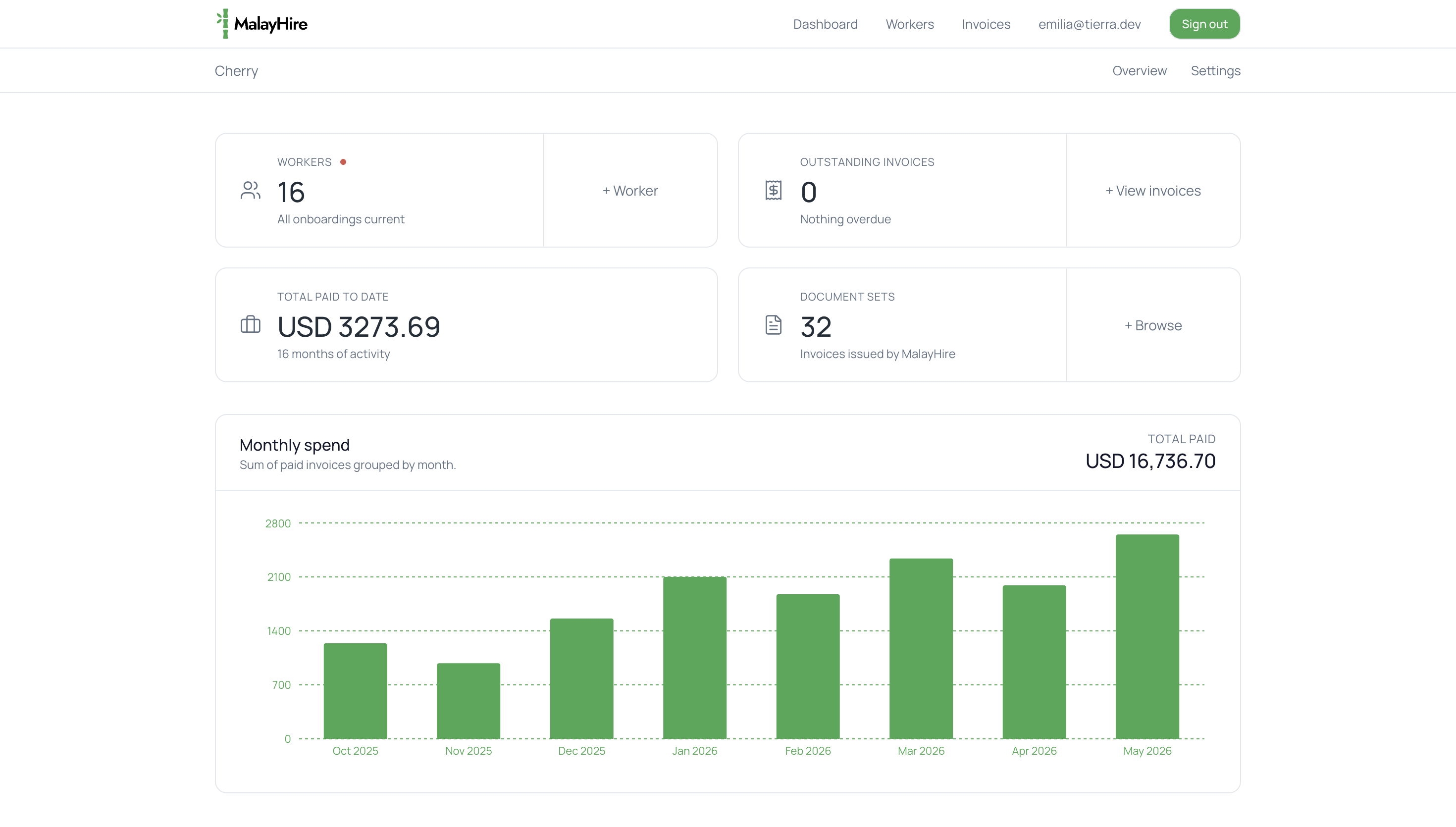
Manage your Malaysian team, payroll & EOR compliance in one place.